
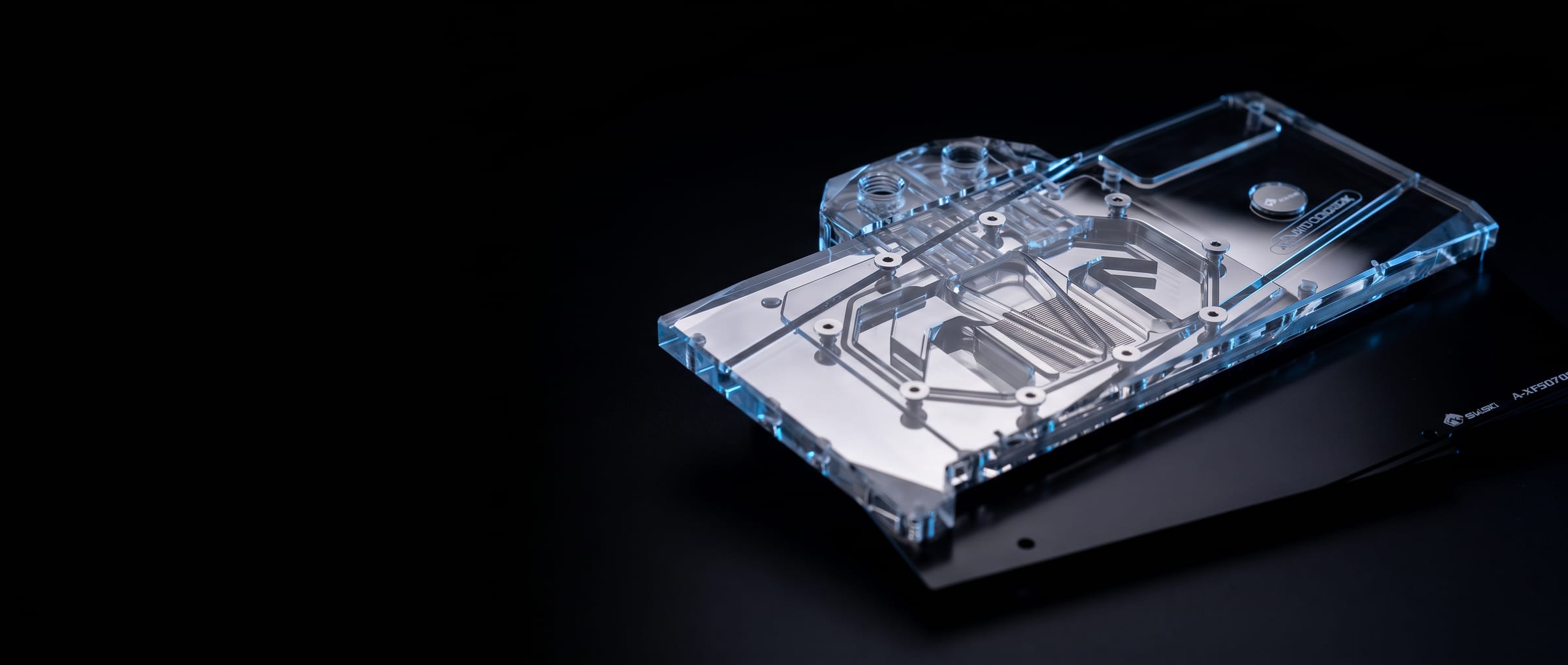
Installing a GPU Water Block: Thermal Pads and Paste
Updated 2026-08-17GPU block installation is unforgiving of pad thickness and mounting order. Use the thickness the guide specifies, cover every component the guide lists, apply paste thinly to the die only, and tighten gradually from the centre outward.
A GPU water block cools the die, the memory and the power delivery components, and all three depend on getting the thermal interface right. Most installation problems come down to pad thickness or mounting order.
Before you start: Work on a clean, static-safe surface, and keep the screws you remove organised — GPU shrouds use several different lengths and putting a long screw in a short hole can damage the board. Photograph the card before disassembly if it is your first time.
Removing the stock cooler: Remove the backplate and shroud screws, then lift the cooler away gently and evenly. If it resists, do not pry — the factory thermal paste can act like an adhesive, and warming the card by running it briefly beforehand makes separation easier. Clean all old paste and pad residue from the die, memory and VRM components with isopropyl alcohol and a lint-free cloth.
Thermal pads: Use the thicknesses specified in the block's installation guide, and do not substitute a different thickness because it is what you have. A pad that is too thin leaves a gap and the component runs hot; a pad that is too thick holds the block off the die and every temperature suffers. Cover every component the guide identifies — memory modules and VRM stages both need contact. Leave the protective film off both sides; it is easy to miss one.
Thermal paste: Paste goes on the GPU die only, not on memory or VRMs. A thin, even layer is what you want. Excess paste squeezes out onto surrounding components and does no good.
Mounting the block: Lower the block squarely onto the card rather than hinging it on from one edge, which smears pads out of position. Start the screws by hand, then tighten gradually in a cross pattern, a small amount at a time, working from the centre outward. Even pressure matters more than final tightness, and overtightening can crack a PCB.
After installation: Leak test before powering the card. Once running, check both core and memory temperatures under load — if the core is fine but memory is hot, that points to pad thickness or coverage on the memory rather than to the block or the mount.
If the card is new: Check whether fitting a water block affects your card manufacturer's warranty before you begin. Policies differ between manufacturers, and some require the original cooler to be refitted for a warranty claim — which is a good reason to keep the stock cooler and all its hardware.